 MindBuilder
Your library still opens
Reads and writes .itmz directly, and round-trips it losslessly — including the parts it doesn't use itself.
Mac & iPad · Native
MindBuilder is a mind mapper for the Mac and iPad, written from scratch
in Swift and SwiftUI. It opens your existing .itmz maps
untouched — every node, style and note exactly as it was.
Reads and writes .itmz directly, and round-trips it losslessly — including the parts it doesn't use itself.
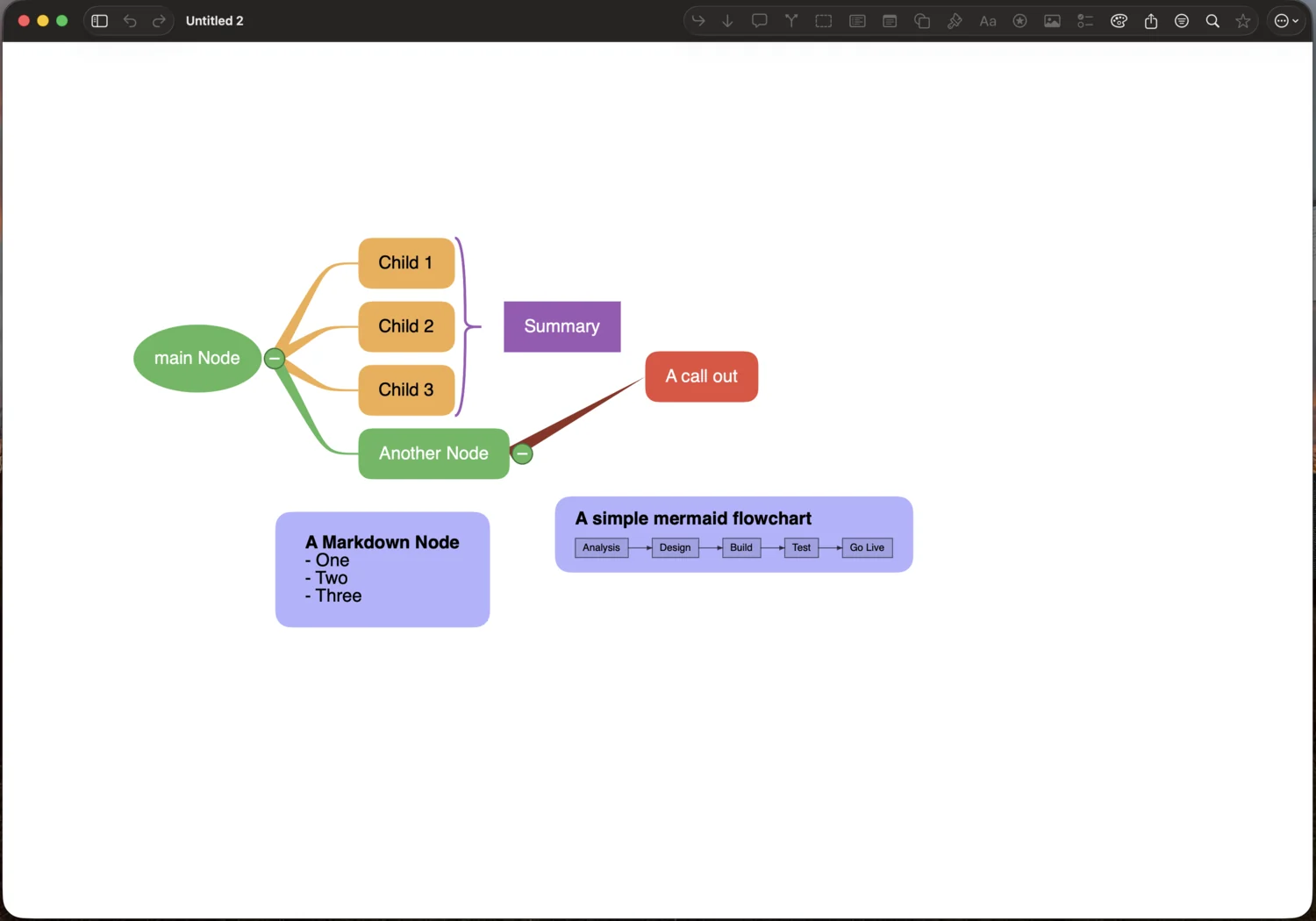
Eight layouts, Markdown nodes, Mermaid diagrams, relationships, boundaries and summaries.
A CoreText and SwiftUI canvas. No web view, no cross-platform runtime — it opens instantly.
Migration
If the app you mapped in for years is no longer on sale, your maps do not have to retire with it.
MindBuilder treats .itmz as a first-class format rather than
an import path. It reads the file, writes the file, and preserves
attributes it has no feature for — so a map can move back and forth
without quietly losing anything along the way.
Round-tripping is the invariant. Nodes, styles, notes, tasks, icons, relationships, boundaries and attachments all survive a save. Open a decade-old map, change one word, and the rest of the file comes back out as it went in.
What's in it
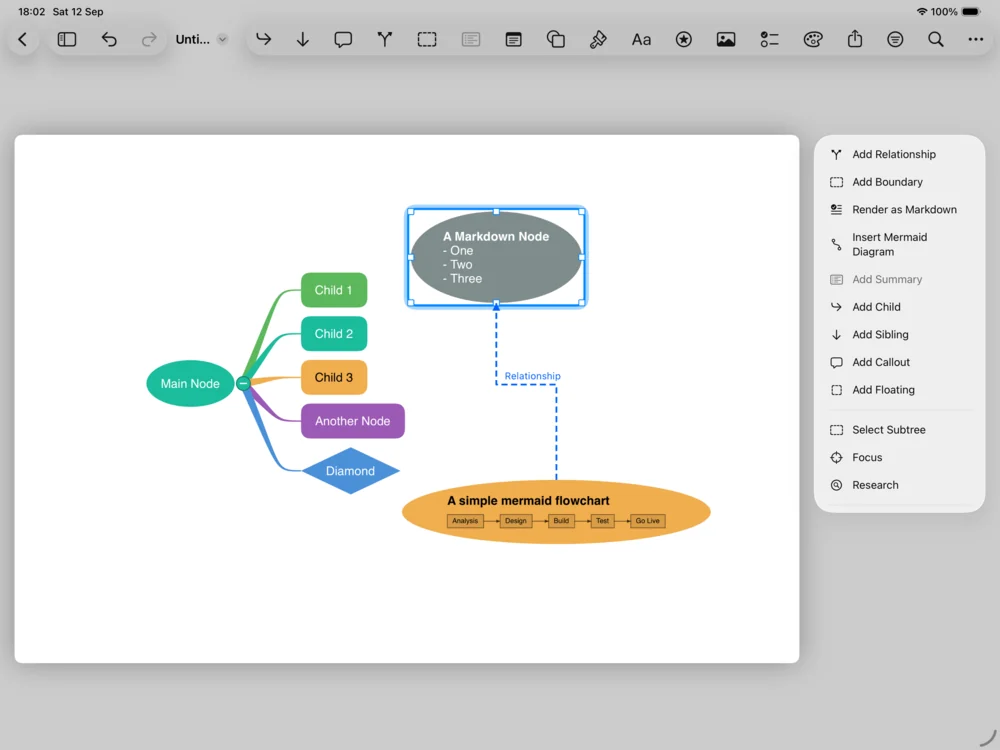
Org chart, fishbone, tidy tree and more — and any single branch can arrange its own subtree independently of the rest.
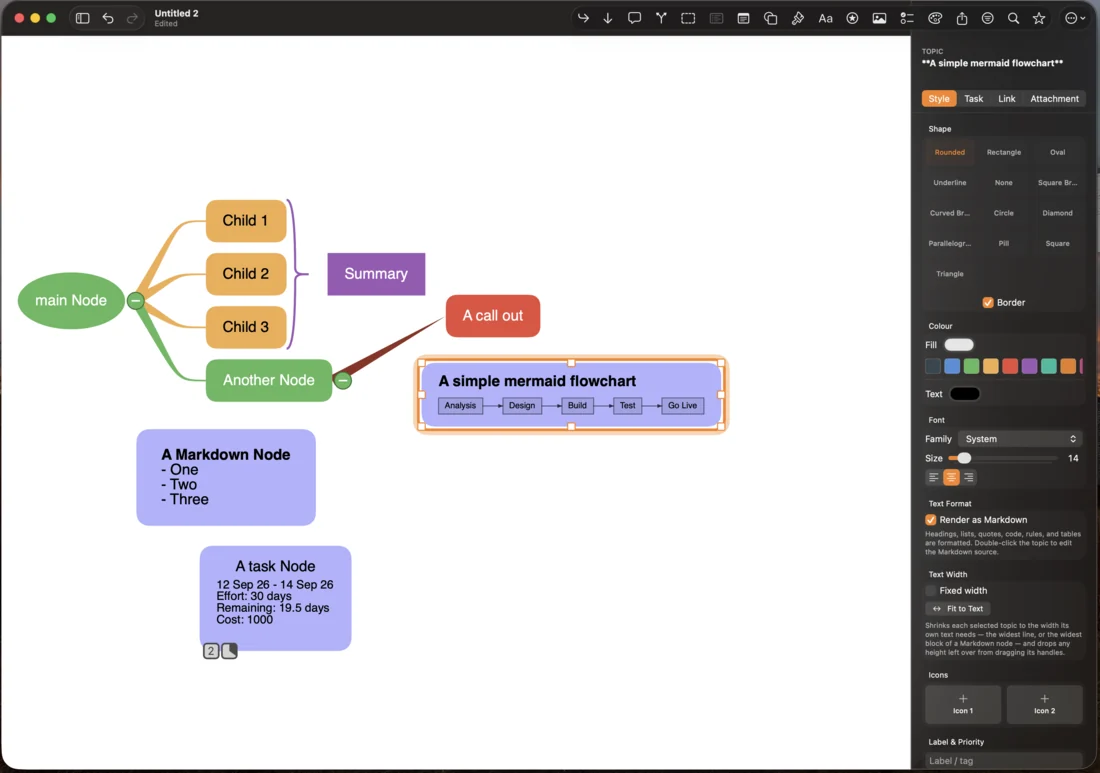
Headings, lists, tables, quotes and code, laid out inside the node and measured from the same layout that draws it.
Mermaid flowcharts and sequence diagrams render in place, as does LaTeX — no screenshots, no round trip through another app.
Relationships across branches, boundaries around groups, summary brackets over a run of siblings, and callouts.
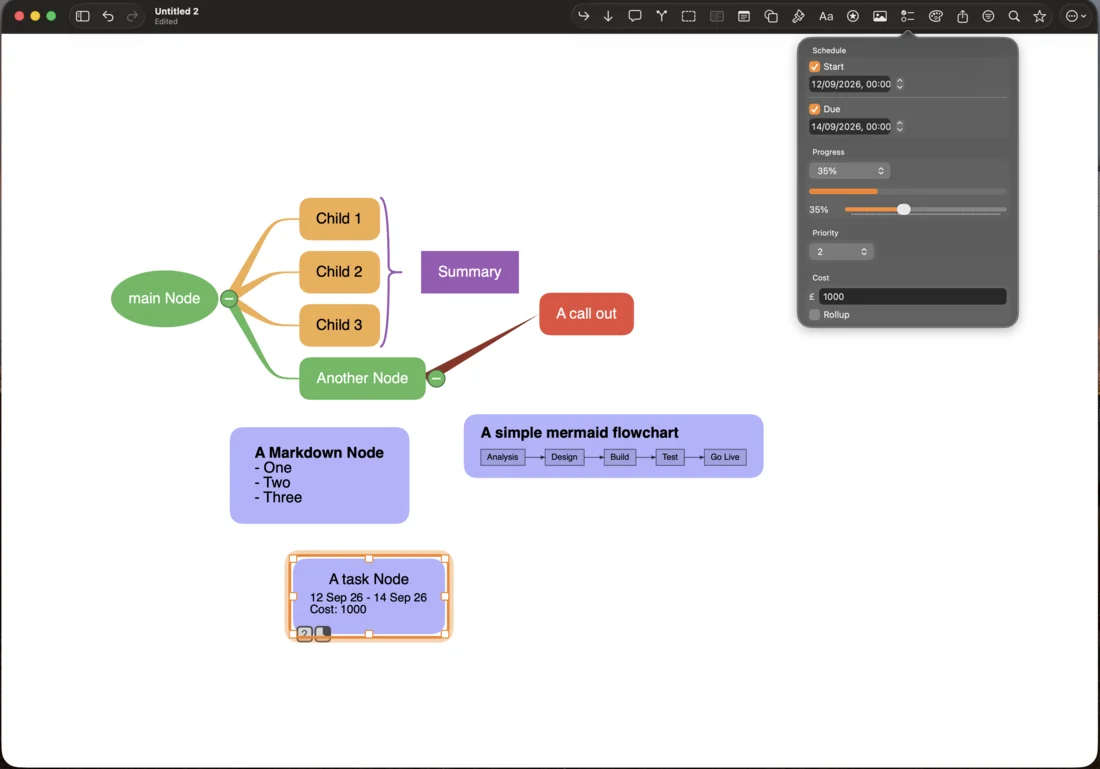
Start and due dates, effort, cost, progress and resources — with totals that roll up the branch, plus task reports.
Filtering, find and replace, conditional formatting that colours topics by meaning, and a focus mode for one branch at a time.
Walk a map as a presentation, or turn a branch into flashcards. Export to PDF, image, outline or Mermaid.
Documents sync through your own iCloud Drive. Password-protected maps are encrypted on device with AES-256-GCM.
One map, two machines
Give a topic dates, effort and cost and the branch above it totals them for you. Export the dates to Calendar and Reminders, or the whole plan as a task report.
MindBuilder is on the App Store for Mac and iPad.
Questions before you buy? paul@expertdivide.co.uk